MSHeli
SKU:MSH51636
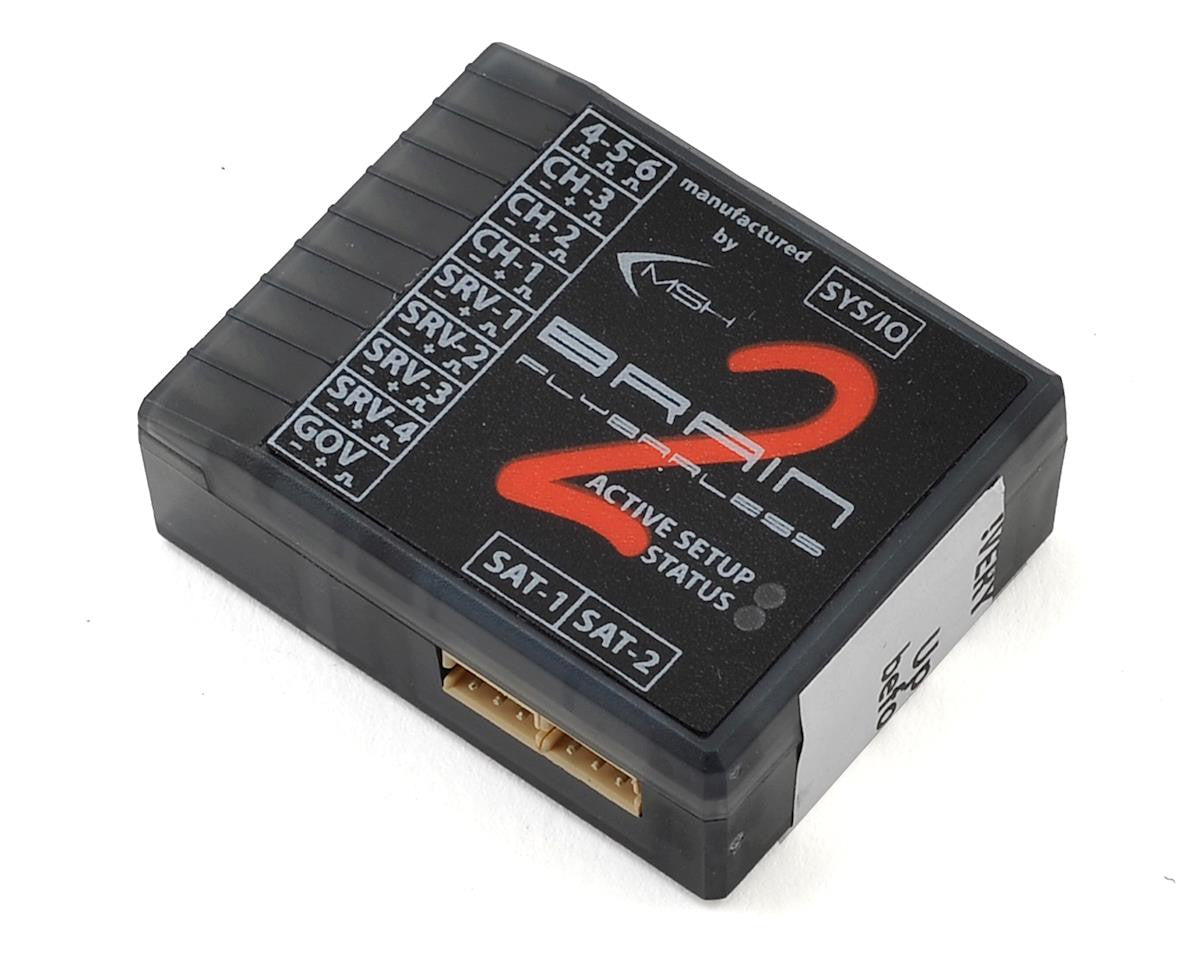
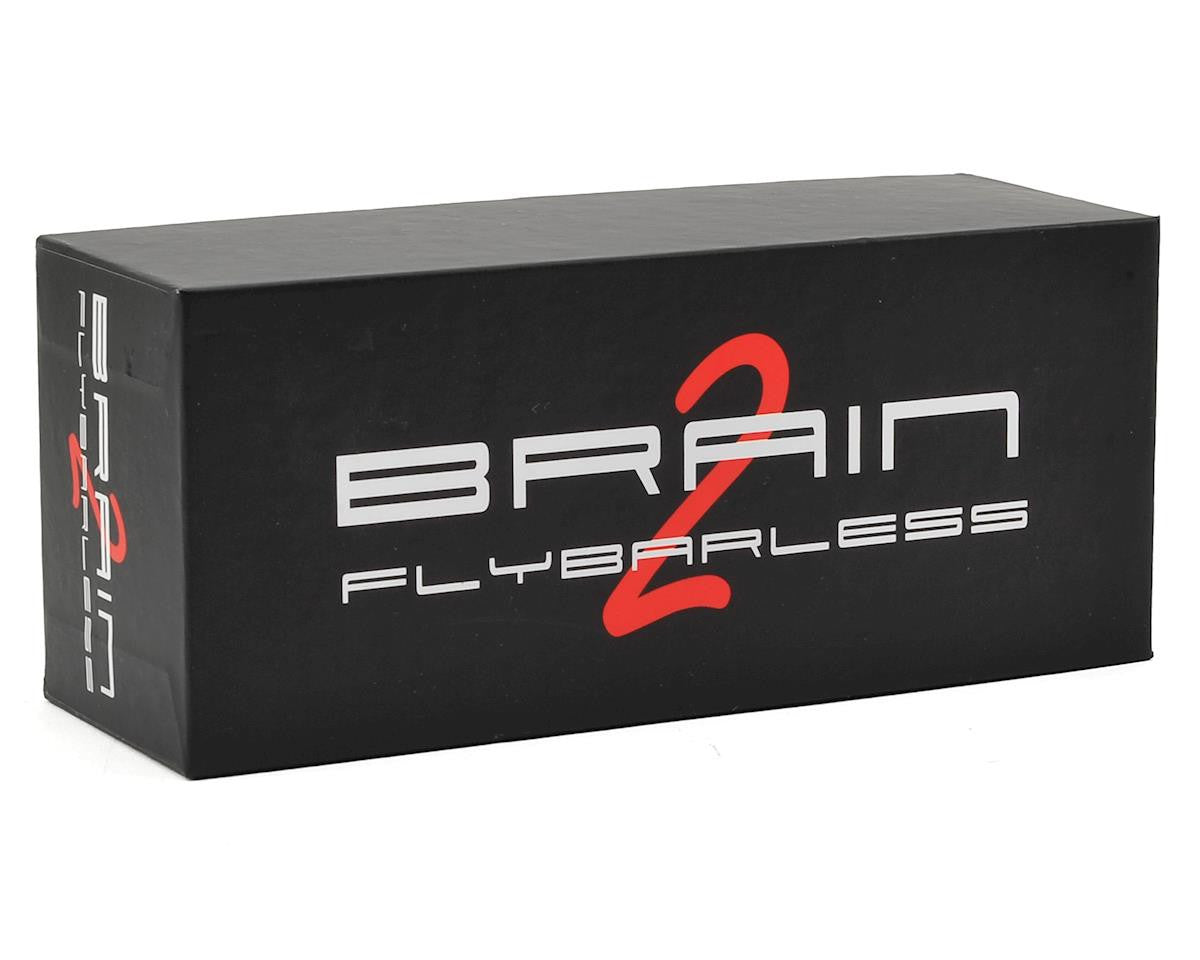
MSHeli Brain 2 Flybarless System
MSHeli Brain 2 Flybarless System
No se pudo cargar la disponibilidad de retiro
The MSH Brain2 Flybarless System is a proven, high-performance 3-axis FBL controller for RC helicopters. It is designed for pilots who want a smooth flight feel, powerful tuning options, rescue/self-leveling support, governor features, telemetry, and broad receiver compatibility.
Brain2 is suitable for electric, nitro, and gas helicopters, from smaller models up to large 700/800/900 class machines. With its guided setup wizard and strong radio protocol support, it is a flexible choice for many modern helicopter builds.
Key Features
- High-performance 3-axis flybarless control system
- Suitable for electric, nitro, and gas helicopters
- Rescue / self-leveling capability
- Built-in governor support
- Autorotation bailout support
- Flight logging and vibration logging
- Telemetry support with compatible radios, receivers, and ESCs
- Easy setup using PC software, iOS, or Android app
- Wide receiver protocol compatibility
Supported Radio / Receiver Protocols
| Spektrum | SRXL2, SRXL, DSM2, DSMX, Remote RX, PPM |
| Futaba | S.Bus / S.Bus2 |
| FrSky / EdgeTX / OpenTX | S.Bus, Smart.Port telemetry, F.Port, F.Port2 |
| ELRS / TBS Crossfire | CRSF / Crossfire protocol with compatible receiver |
| Graupner | SUMD, SUMO, HoTT telemetry |
| Jeti | EX-BUS, UDI, PPM |
| JR | X-Bus |
| Multiplex | SRXL, MSB telemetry |
| Hitec / RadioLink | S.Bus |
Receiver Setup Cheat Sheet
| Spektrum NX / iX / DX Radios | Use a compatible Spektrum receiver such as SRXL2 or DSMX Remote RX, then select the correct Spektrum receiver type in the Brain2 setup wizard. |
| RadioMaster / ELRS Radios | Use a compatible ELRS receiver set to CRSF mode. In Brain2, select the CRSF / Crossfire receiver option where applicable. |
| FrSky / OpenTX / EdgeTX Radios | Use S.Bus, F.Port, F.Port2, or Smart.Port telemetry depending on the receiver and setup. |
| Futaba Radios | Use S.Bus or S.Bus2 receiver output and select the matching receiver protocol in the setup wizard. |
| Graupner Radios | Use SUMD / SUMO receiver output. HoTT telemetry may be supported with compatible equipment. |
Setup & Software
Brain2 can be configured using the official MSH Electronics software and guided setup wizard. The wizard walks you through receiver selection, swashplate setup, servo direction, tail setup, governor setup, and rescue/self-leveling configuration.
Quick Setup Overview
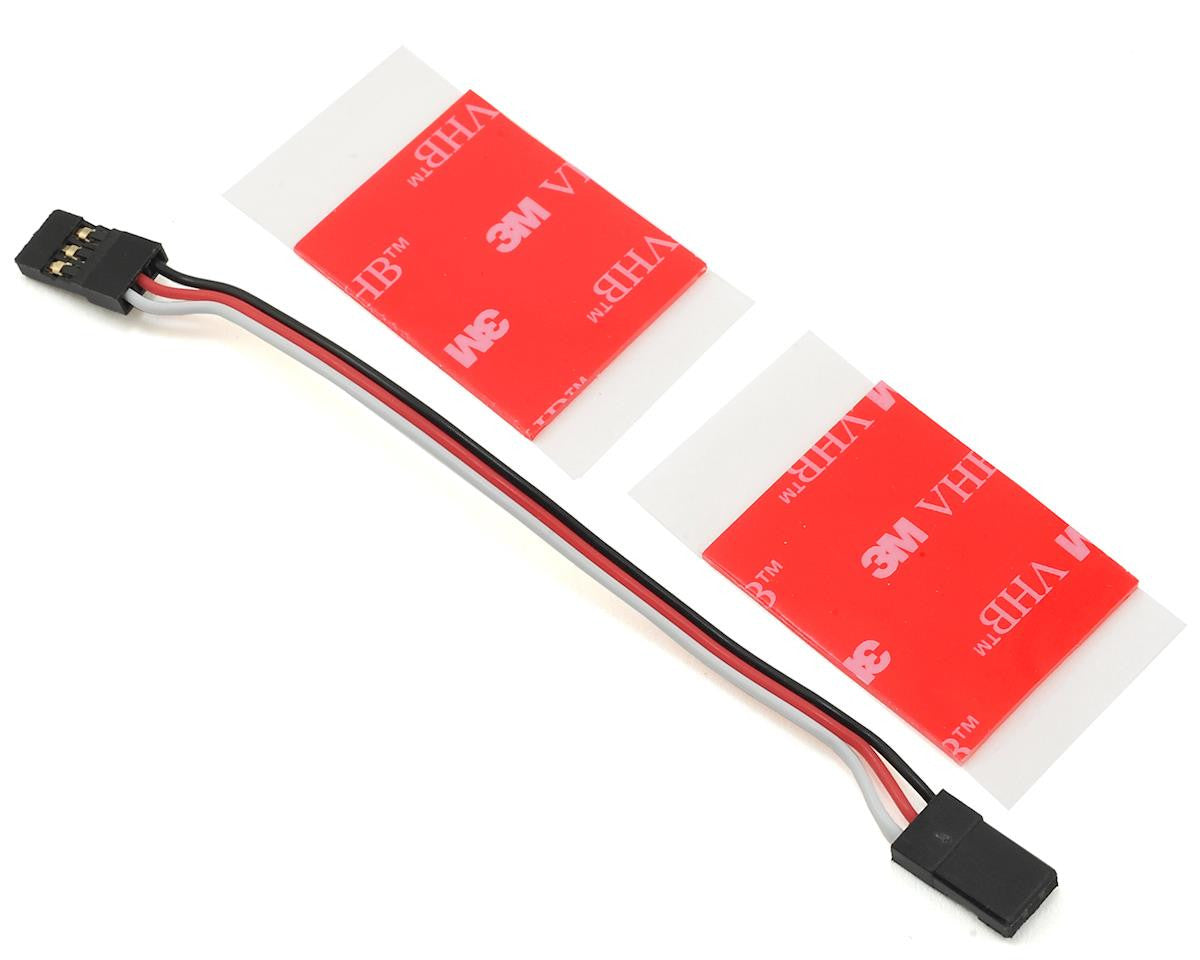
- Mount the Brain2 unit securely using the included adhesive pad
- Connect the receiver using the correct protocol cable/port
- Install and open the Brain2 software or mobile app
- Update the Brain2 firmware if prompted
- Follow the setup wizard from start to finish
- Set servo type, swashplate type, and servo directions
- Check collective pitch, cyclic direction, and tail gyro direction carefully
- Configure governor and rescue/self-leveling if used
- Perform a full bench test before first flight
Telemetry Support
Brain2 supports telemetry integration with many popular radio systems and ESC brands when used with compatible receivers and firmware. Telemetry support may include voltage, RPM, ESC data, receiver signal data, and other useful flight information depending on the setup.
Specifications
| Application | RC Helicopter Flybarless Controller |
| Helicopter Type | Electric, Nitro, Gas |
| Model Size | Approx. 180-size to 900mm class |
| Functions | Flybarless control, rescue/self-leveling, governor, telemetry, logging |
| Setup Method | PC software, iOS app, Android app |
Included
- MSH Brain2 Flybarless Unit
- Mounting pad
- Cable set
Important: Receiver, telemetry, and ESC compatibility depend on the receiver model, firmware, wiring, and selected protocol. Always confirm wiring, polarity, servo direction, swash movement, and failsafe operation before flying.